Stop Asking Your Team to Ask for Reviews
- Review requests feel awkward when there’s no clear process. Define the right moment, use a direct link, assign one owner, and follow up lightly.
Quick Answer
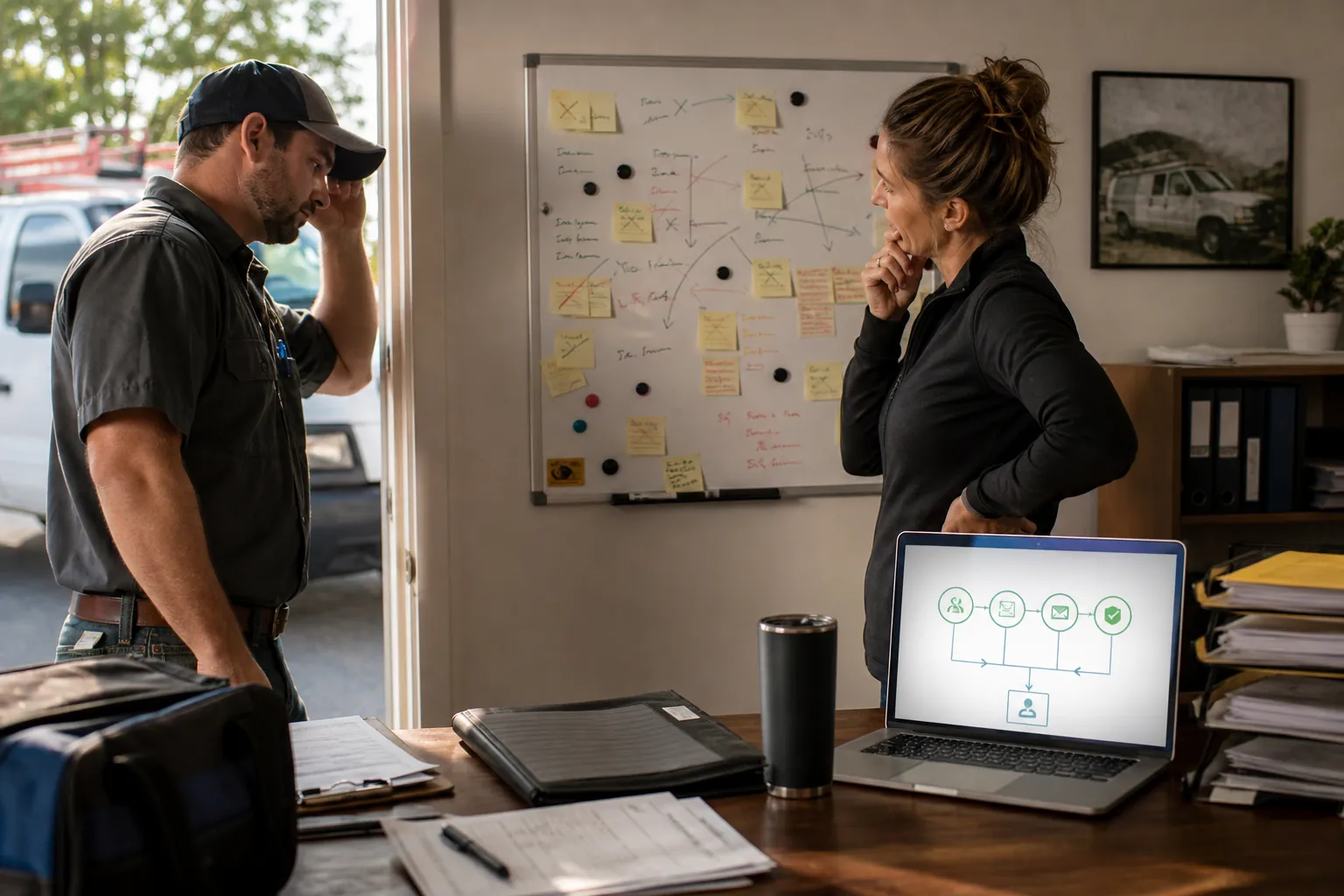
Stop making review requests depend on an awkward front-desk ask. A better system uses signage, a tap card or QR code, and a simple thank-you text after the job so happy customers have an easy path to leave honest, specific reviews. The goal is not a better script — it is a review process that runs even when the shop gets busy.

The “ask for a review on every job” advice is technically right and operationally broken.
Here’s where it breaks. The customer’s at the front desk. The invoice is printing. Your service writer or tech is debating whether to bring up reviews while the customer’s pulling out a card to pay. It feels like asking for a tip after you already charged them. So they don’t ask. Or they ask in a way so soft the customer half-hears it and walks out.
That’s not a confidence problem. That’s a process problem. You’ve built a review system that depends on the most uncomfortable moment of the transaction, and you’ve handed the job to the employees with the least incentive to push it.
The fix isn’t a better script. It’s taking the ask off them.
Why This Matters More Than It Used To
Reviews mattered last year. They matter more this year.
Google’s map pack — the three local results that show above the organic ones — leans heavily on review volume, recency, and what the reviews actually say. Google’s AI overviews and search experiences pull from review content too. A shop with twenty fresh reviews mentioning specific services usually shows up above a shop sitting on two hundred reviews from 2021.
The cost of a broken review process used to be “we don’t get reviews.” Now it’s “we don’t show up.” That’s a different conversation, and it’s the reason this is worth fixing now.
The Real Issue: Your Front Desk Doesn’t Want to Ask
Most owners blame the wording. “We need a better line.” “We need to coach the team.”
In our shop, that wasn’t the bottleneck. The wording was fine. The team didn’t want to ask, period. And I don’t blame them. Standing across a counter from someone who just paid a real bill and asking for a favor on top is uncomfortable. It feels like a sales pitch tacked onto a transaction that already ended.
So we stopped putting it on them.
What Actually Worked
Two changes.
A tap card at the front desk. RFID. Customer touches their phone to it, lands on our Google review page, leaves a review. No employee involvement. Signage above the card explains what it does and asks the customer to leave a review if they were happy with the work. The card is the ask. The employee just rings them out and says thanks.
A thank-you text after they leave. A few hours later, sometimes the next morning, the customer gets a text. It thanks them by name, attaches another copy of their invoice, and includes a QR code to our Google review page. The text doesn’t say “leave us a review.” It asks them to tell us how the specific job went — how the brake job felt on the drive home, whether the diagnostic fixed the noise, how the install turned out. Whatever they actually came in for.
That second part matters more than people realize. Specific reviews mentioning specific services are the ones that move map-pack rankings. “Great shop, friendly people” is fine. “They diagnosed the brake noise nobody else could find and got it done same-day” is the review Google notices.
Why This Beats Asking in Person
Customers who are happy will leave a review when given an easy path. BrightLocal’s Local Consumer Review Survey 2026 found 28% of consumers say they’ll always leave a review when asked, and 83% of asked customers actually do.
The catch is in the phrasing. “When asked” doesn’t mean “asked to your face.” A piece of signage is an ask. A thank-you text with a QR code is an ask. Those work better than your service writer asking out loud because there’s no social pressure attached to them. The customer responds when it’s convenient, not when it’s awkward for both sides of the counter.
The thank-you text also catches the customer who was going to leave a review at the desk, got pulled into traffic or a phone call, and forgot. Without it, those reviews just disappear.
The Standard Playbook Mostly Misses This
If you read the typical review advice, it tells you to pick a moment, write a clean script, and coach the team to use it consistently. Then it acts surprised when the team doesn’t use it consistently.
The realistic version: figure out where the customer is most likely to leave a review — at the counter, right after the experience, or in the day or two after — and put a passive system in front of each one. Signage and a tap card cover the counter. A thank-you text covers the after. Your team isn’t the bottleneck because your team isn’t doing the asking.
A Few Things to Get Right
Make the path direct. Google supports review links and QR codes for this reason. Every step between “sure, I’ll leave a review” and “review submitted” costs you reviews.
Don’t bribe the outcome. Google prohibits incentives in exchange for reviews, and the FTC’s Consumer Reviews and Testimonials Rule (in effect since October 21, 2024) targets fake reviews, sentiment-conditioned incentives, and review suppression. The safer move is also the better one — ask real customers for honest feedback and don’t tilt for stars.
Put one person in charge. Not the team. One person who checks whether the thank-you texts are firing, whether new reviews got responses, and whether the tap card is even still working. Shared ownership sounds nice. In practice, it usually means the task slides around until nobody really owns it.
Build the follow-up into the system, not into someone’s head. If your current approach depends on somebody remembering when the day gets busy, it isn’t built yet. Whatever tool you use — your shop management software, your CRM, a basic SMS scheduler — the thank-you and the follow-up should fire on their own.
What to Audit This Week
Pull your last twenty closed jobs and check:
- whether anything went out asking for a review
- how soon
- whether it included a direct link or QR code
- whether a follow-up went out if no review came in
- whether incoming reviews got a response
That’ll show you the real leak faster than another meeting about better phrasing.
The Real Point
Most review systems break at the front desk because they put the ask on the most uncomfortable person at the most uncomfortable moment.
Stop doing that. Use signage. Use a tap card. Use a thank-you text with the invoice and a QR code. Let your team ring people out and go home. The customers who want to leave a review will. The ones who needed a small nudge after the fact will too. And the system keeps running whether anyone in the shop remembers it that day or not.
Frequently Asked Questions
Why does asking for reviews feel awkward at the front desk?
Because it’s usually the wrong moment. The customer just paid, your employee is standing across the counter, and asking for a favor on top of the bill can feel forced. Most teams either avoid the ask completely or say it so softly the customer barely notices. The problem usually isn’t that your team doesn’t care — it’s that the process puts them in an awkward spot. Next step: Take the pressure off the employee. Put a small sign and tap card or QR code at the counter so a happy customer can leave a review without anyone having to make a big ask.
What’s a tap card and how does it work for reviews?
A tap card is a small RFID card that opens a link when a customer taps it with their phone. For reviews, that link goes straight to your Google review page. You keep the card at the front desk with a simple sign explaining what it does. The customer taps, lands on the review page, and leaves the review on their own — no awkward script, no employee chasing, no extra friction. Next step: Order an RFID review card linked to your Google review page and place it where customers already check out. Add one clear sign that says what it does.
What should the thank-you text actually say?
Keep it short, personal, and tied to the job they just had done. Use their name, thank them, attach another copy of the invoice if helpful, and include a direct link or QR code to your Google review page. Don’t just say, “Leave us a review.” Ask them to share how the actual work went — the brake repair, the install, the diagnostic, the service call. Specific prompts lead to better reviews because they help customers write about the work Google and future customers actually care about. Next step: Write one thank-you text template for each main service type. Send it a few hours after the job closes while the experience is still fresh.
When is the best time to send the thank-you text?
Usually a few hours after the job is finished. That’s close enough that the experience is still fresh, but not so immediate that it feels like you’re rushing them. For some jobs, the next morning may work better — especially when the customer needs time to drive the car, test the system, or see that the repair is holding up. The real goal is to ask after they’ve experienced the result, but before the job fades from memory. Next step: Pick one review request window and use it consistently for 30 days. Then look at response rate and adjust from there.
Is it okay to offer a discount or gift card for a review?
No. Don’t do it. Google doesn’t allow incentives in exchange for reviews, and the FTC has rules around review manipulation too. More importantly, it’s the wrong fix. If customers only leave reviews when there’s a reward attached, the process is broken somewhere else. The better move is a clean, timely ask after a job that went well. Next step: Remove any wording that offers a discount, gift card, or perk in exchange for a review. Replace it with a plain thank-you message and a direct review link.
Why are reviews suddenly more important than they used to be?
Because reviews are no longer just social proof. They help Google understand what your business does, how recently customers used you, and what services people associate with your name. Local search and AI-style results both lean on review content — not just star rating, but volume, recency, and service-specific language. A business with recent, detailed reviews can look more relevant than a business with hundreds of old, generic ones. Next step: Read your last 20 reviews. If they don’t mention specific services, locations, or outcomes, update your thank-you text so customers have a simple prompt to describe the actual job.
Want help finding the leak?
I’ll look at your lead handling, follow-up, pricing logic, and website path and show you where demand or margin is slipping out.
About the Author
Trevor Riggs helps owner-operated service businesses find and fix the places jobs leak out — weak Google visibility, missed calls, slow follow-up, thin reviews, underperforming websites, and wasted ad spend. He runs True Path Digital, a practical consulting and implementation business built around clearer decisions, better lead handling, and fewer missed opportunities.
Connect on LinkedIn